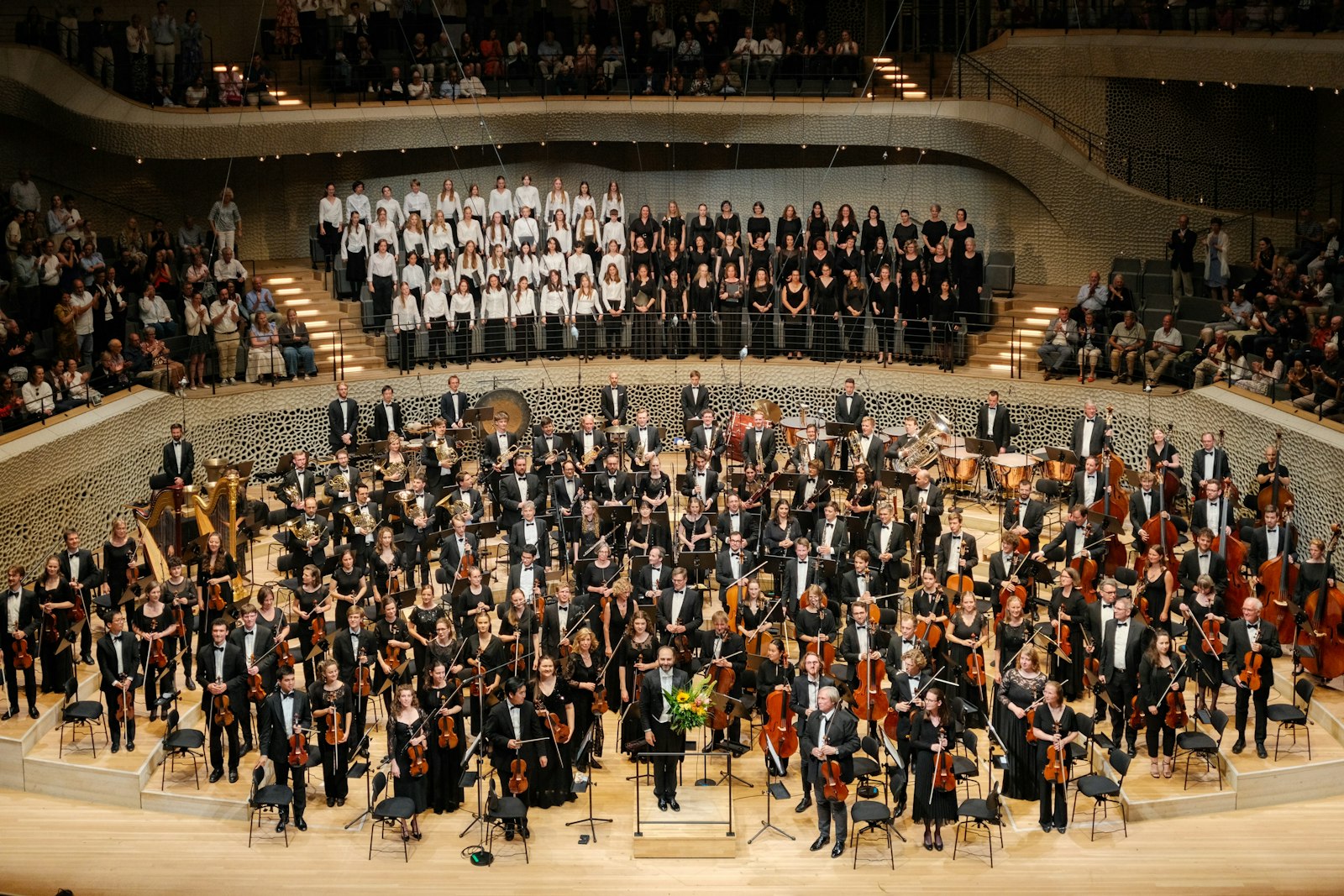


- Put the event name, date, venue, price and a ticket button on the first phone screen. Show the all-in ticket price up front; surprise fees are a top reason buyers abandon. Keep ticket types to the three or four most people buy and offer guest checkout with digital wallets. Sell the experience with photos, faces and practical details like parking and accessibility. Use the confirmation page for calendar links, an optional gift and sharing, and add event structured data for Google.
Big ticketing sites have spent years and serious money learning what gets people from "that sounds fun" to "tickets bought." Most nonprofit event pages ignore all of it. You do not need their budget to borrow their best moves: the essentials up top, honest all-in prices, a fast mobile checkout and a confirmation page that keeps working. Here are six things to borrow, and how to adapt each one for a mission-driven organization.
What's in this post
- 1. Put the Essentials Above the Fold
- 2. Show the Real Price Up Front
- 3. Keep Ticket Choices Simple (and Urgency Honest)
- 4. Make Mobile Checkout Fast
- 5. Sell the Experience, Not Just the Seat
- 6. Make the Confirmation Page Work
- What We'd Check in Your Audit
- Frequently Asked Questions
1. Put the Essentials Above the Fold
Open any major ticketing site on your phone and the first screen answers four questions: what is it, when is it, where is it and how do I get tickets. Many nonprofit event pages open with a long welcome paragraph or a season overview instead, and the "Buy tickets" link sits three scrolls down.
Give the ticket purchase the same treatment we recommend for donation pages: the page can hold more than the button, but buying tickets is the primary action and the first thing people see. Everything else supports it.
- Event name and a one-line description of what the audience will experience.
- Date, start time and run time.
- Venue name with a map link.
- Price range and one clear "Get tickets" button in your accent color.
Do it this week: open your next event page on your phone. If the first screen does not show the date, venue and a ticket button, move them up.
2. Show the Real Price Up Front
Few things kill trust faster than a $25 ticket that becomes $33 at checkout. Baymard Institute found that 40% of US online shoppers have abandoned an order because extra costs like shipping, tax and fees were too high (Baymard Institute, cart abandonment statistics).
For-profit ticket sellers now have to get this right. The FTC's Rule on Unfair or Deceptive Fees, in effect since May 12, 2025, requires businesses that advertise live-event tickets to show the total price, including mandatory fees, up front and more prominently than other pricing information (FTC, Rule on Unfair or Deceptive Fees FAQ). Whether or not the rule applies to your organization or your ticketing provider, your audience now expects all-in pricing. Ask your counsel or ticketing platform if you are unsure how it applies to you.
Turn on all-in pricing in your ticketing platform if it offers it. If a processing fee is unavoidable, include it in the price you show and say what it is for in plain words.
3. Keep Ticket Choices Simple (and Urgency Honest)
Ticketing sites guide buyers through choices instead of dumping every option at once. Too many ticket types (adult, senior, student, member, member senior, early bird, group) slow people down and make them second-guess.
- Limit visible ticket types to the three or four most people buy, and put the rest behind a "More ticket options" link.
- Say what each tier includes, such as seating section, a reception or a program.
- For reserved seating, show a seat map with the view and price by section.
- If you offer a season subscription, show what a buyer saves versus single tickets, using your real prices.
Ticketing sites also show when seats are running low, and "Only 12 seats left" works when it is true. Nonprofits can use the same lever as long as it stays honest.
- Show real availability, like "Balcony sold out" or "Limited seats remaining," when it is accurate.
- Use real deadlines: early pricing that ends on a date, or a last day to order online.
- Never invent scarcity. Your audience is also your donor base, and trust is worth more than one sold-out claim.
4. Make Mobile Checkout Fast
Many event decisions happen on a phone, often right after someone sees a social post or gets a text from a friend. A clunky checkout loses them in seconds, and so does a slow page; see our guide to page speed for small business websites.
Baymard's research found that 18% of US online shoppers have abandoned an order because the site wanted them to create an account, and 17% because the checkout was too long or complicated. Borrow the fix from ticketing sites:
- Offer guest checkout. Ask for an account after the purchase, never before.
- Cut fields. Name, email and payment are usually enough for a general admission ticket.
- Turn on digital wallets. Apple Pay, Google Pay or PayPal let buyers pay with a tap if your platform supports them.
- Keep buyers on your site when you can. An embedded checkout or a ticketing page styled to match your brand feels safer than an abrupt jump to an unfamiliar site.
5. Sell the Experience, Not Just the Seat
Ticketing sites lean hard on photos, video clips and lineups because people buy the night out, not the chair. Nonprofit event pages often have one small photo and a paragraph of program notes.
- Lead with your best photo or a short video clip from a past performance or event.
- Introduce the people on stage with faces and one-line bios.
- Answer the practical questions: parking, accessibility, dress code, kid-friendliness and whether there is an intermission.
- Add a few real audience quotes with first names, only from people who agreed to be quoted.
In our work with arts nonprofits, the practical details are often the questions that fill the inbox the week of a show. Putting them on the page saves your staff time and removes a reason to wait.
6. Make the Confirmation Page Work
For-profit sites treat the confirmation page as the start of the relationship. Most nonprofit ticketing flows end with a plain "Thank you for your order."
- Add an "Add to calendar" button and a clear note about where the tickets are and how to use them on a phone.
- Offer an optional gift: "Ticket sales cover only part of what it costs to put on this show." Only use a figure if it comes from your own books, and keep any donation add-on unchecked by default.
- Invite them to share the event with a friend.
- Send a reminder email a day or two before the event with parking and arrival details.
Bonus: Help Google Find Your Event
Ticketing sites show up in Google's event listings partly because they use event structured data, a small piece of code that tells search engines the name, date, location and ticket link. Google documents how to add it in its event structured data guide. Your web team can add it to each event page, and keeping past events updated or removed is part of good website maintenance.
What We'd Check in Your Audit
If you want a second set of eyes before your next show, this is what we look at on an event page during a Free Website Health Check:
- The first screen: whether the date, venue, price and ticket button show on a phone without scrolling.
- Price honesty: whether the price on the page matches what buyers pay at checkout.
- Checkout steps: how many taps and fields it takes to buy one ticket, and whether guest checkout works.
- Practical details: parking, accessibility and run time, answered on the page.
- Confirmation flow: calendar links, ticket delivery and the donation ask.
- Search visibility: event structured data and whether past events are cleaned up.
Frequently Asked Questions
Should our event page use our own site or a ticketing platform? Usually both. Keep the event page on your own site for search and storytelling, then use an embedded or branded checkout from your ticketing platform so buyers do not feel like they left.
Do nonprofits need to show all-in ticket prices? The FTC's fees rule covers businesses selling live-event tickets, and whether it reaches your organization or your platform is a question for counsel. Either way, showing the total price up front is what audiences now expect.
How many ticket types should we offer? Show the three or four most people buy and tuck the rest behind a link. Fewer choices on the first screen means faster decisions.
Is it okay to ask for a donation during ticket checkout? Yes, as an optional add-on that is clearly labeled and unchecked by default. The confirmation page is often a better place for a bigger ask.
What is event structured data? It is code that describes your event to search engines so it can appear in Google's event results. Google's documentation explains the required fields.
You can borrow every one of these moves without a big budget. If you want to know exactly where your event page is losing ticket buyers, we will look for you. Request a Free Website Health Check and we will show you what to fix first.